.svg)








emf, emfs, emf exposure, emf protection, electromagnetic fields, electromagnetic radiation, wireless radiation, radiofrequency, rf exposure, 5g, wireless, cell phone, public comment, comment period, federal register, request for information, rfi, hhs, department of health and human services, robert f kennedy, rfk, maha report, make america healthy again, public health, chronic disease, children, environmental toxins, fcc, health effects, exposure, blushield, protection, government notice, advocacy, emf awareness, wireless exposure, radiation exposure, emf harm, take action
.png)
sleep quality, stress, heart rate, emf, emfs, emf protection, electromagnetic radiation, radiation, rf radiation, 5g, lte, wifi, wireless, smartphone, shielding, exposure, emf exposure, children, baby, frequency, health effects, protection, wifi router, security cameras, smart bassinets, body temperature, long term, health, sleep, infant, babies, tracking, software, resilience, mattress, development, meter, inhabitants, marketplace, sleeping, available, reduction, mattresses, information, wearables, designed
.png)
focus, electromagnetic fields, radiation, 5g, lte, frequency, signal dominance, coherent reference, field, electromagnetic, stickers, frequencies, source, modern, environment, noise, timing
focus, emf, emf protection, electromagnetic fields, 5g, lte, frequency, protection, coherent reference, passive, signal, active, powered, field, electromagnetic, frequencies, modern, environment, noise, timing
minerals, calcium, calcium channel, cancer, dna damage, emf, emfs, emf protection, radiation, radiofrequency, rf radiation, non-ionizing, wifi, wireless, cell phone, bluetooth, tablet, blushield, exposure, emf exposure, children, pregnancy, sar, specific absorption rate, frequency, health effects, protection, cell phones, radiation exposure, smart phone, safety limits, specific absorption, absorption rate, phone radiation, fine print, wireless radiation, national toxicology, toxicology program, study, effects, levels, mechanism, health, protect, reduce, thermal, non-thermal, samsung, iphone, results, guidelines
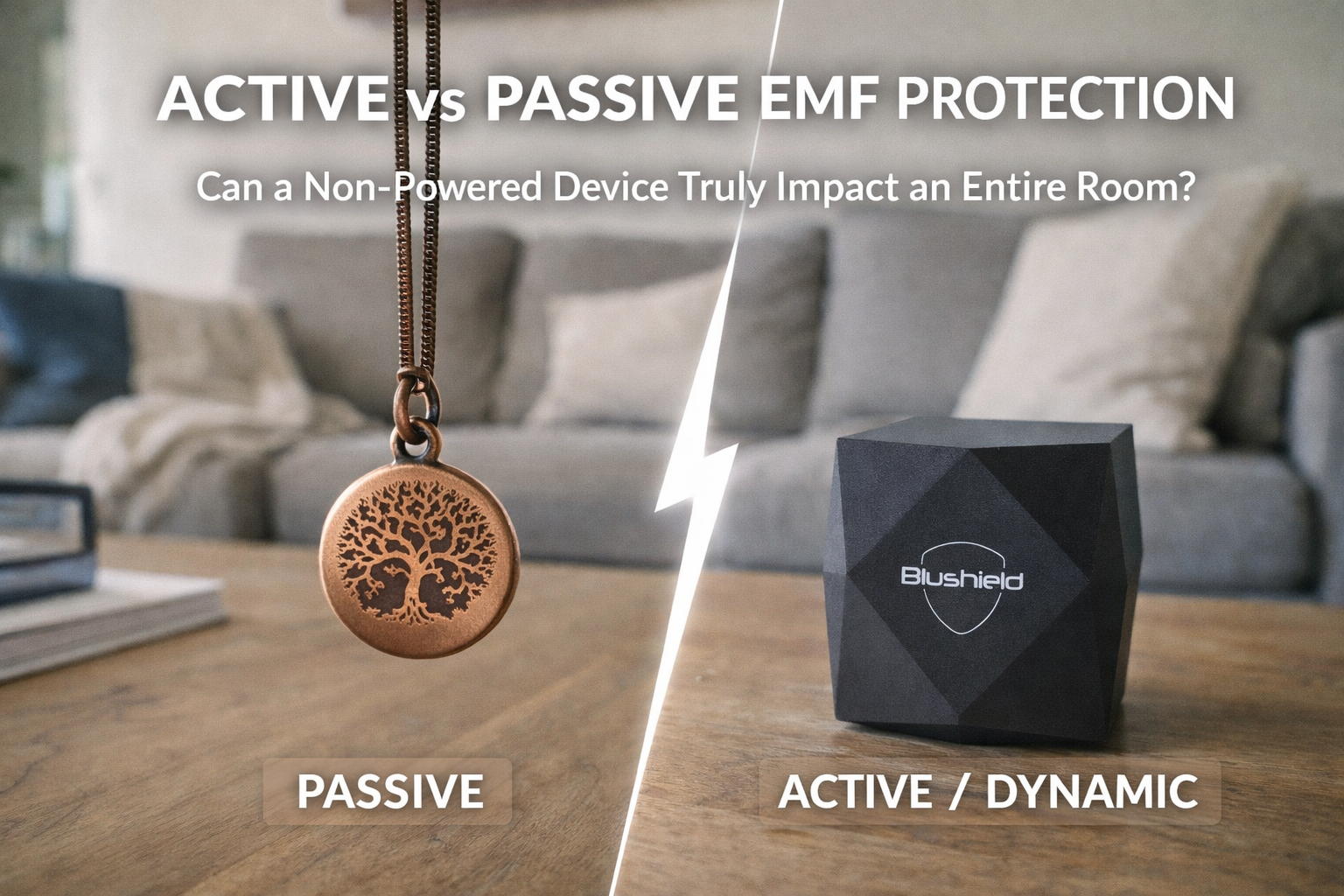
stress, attention, concentration, learning, oxidative stress, calcium, calcium channel, cellular, behavior, emfs, electromagnetic fields, electromagnetic radiation, radiation, radiofrequency, lte, wireless, laptop, blushield, shielding, grounding, exposure, emf exposure, frequency, power source, fractal antennas, internal power, reference signal, internal timing, passive systems, field, electromagnetic, biology, fields, signaling, biological, environment, dynamic, coherent, changes, energy, control, phase, wiring, noise, coherence, ambient, geometry, environments, plasma

fatigue, poor sleep, sleep quality, depression, memory, focus, learning, cognitive, melatonin, cancer, dna damage, nervous system, emf, emfs, electromagnetic radiation, radiofrequency, rf radiation, non-ionizing, wifi, wireless, cell tower, smart meter, smart meters, bluetooth, blushield, exposure, symptoms, children, kids, school, sar, frequency, protection, wireless radiation, health risks, cell phones, exposure sources, right direction, government study, public health, sleep disorders, health defense, increase, review, healthy, changes, evidence, national, teens, states, research, safety

mood, stress, learning, cancer, emfs, emf protection, electromagnetic fields, ehs, radiation, radiofrequency, lte, wifi, wireless, cell phone, cell tower, smart meter, smart meters, bluetooth, dirty electricity, blushield, frequency, protection, grid tied, solar system, sine wave, solar panels, off-grid solar, tied solar, magnetic field, further away, string inverters, power grid, solar energy, battery bank, voltage transients, living area, energy production, high frequency, produced, sunlight, sources, wiring, electrical, microinverters, generator, fields, levels

emf, emfs, emf protection, radiation, rf radiation, 5g, wireless, power lines, high voltage, blushield, children, school, frequency, health effects, protection, cell towers, health defense, local government, personal wireless, tidal networks, wireless service, proposed cell, tower placement, sitka alaska, local governments, radio frequency, service facilities, local residents, court decision, local municipalities, tower placements, environmental effects, frequency emissions, tower proposal, local areas, preserve local, local control, zoning, public, property, state, telecommunications, location

focus, autism, cancer, sperm, dna damage, emfs, emf protection, electromagnetic fields, electromagnetic radiation, radiation, rf radiation, 5g, wifi, wireless, cell phone, cell tower, blushield, exposure, emf exposure, children, school, protection, sperm quality, health defense, cell towers, chronic disease, sperm counts, systematic review, telecom industry, public health, initiative, guidelines, environmental, corporate, evidence, local, motility, government, dedicated, statement, research, affected, outdated, authority

nervous system, emf, emfs, emf protection, scalar energy, blushield, protection, health

fatigue, chronic fatigue, stress, memory, concentration, focus, learning, inflammation, free radicals, magnesium, calcium, calcium channel, vitamin d, adhd, cellular, nervous system, neurological, behavior, emf protection, electromagnetic fields, electrosensitivity, ehs, non-ionizing, lte, wireless, mobile phone, blushield, exposure, emf exposure, symptoms, children, sar, health effects, protection, intracellular calcium, excessive intracellular, peroxynitrite pathway, nitric oxide, brain development, nmda receptors, peroxynitrite cycle, electromagnetic field, voltage-gated calcium, downstream effects, study review, environmental factors, modern times, perinatal period, studies, chemicals, increased, synaptogenesis

emfs, electromagnetic fields, wifi, smart meter, smart meters, dirty electricity, blushield, shielding, exposure, emf exposure, building biology, frequency, protection, building biologists, ornithor brothers, platypus, sources, sensitive, comprehensive, harms, unique, electroreception, ability, fields, health, innate, subtle, australia, living, daily, appliances, animal, awareness

insomnia, stress, headache, focus, cognitive, nausea, heart rate, calcium, calcium channel, cellular, behavior, emfs, emf protection, electromagnetic fields, electromagnetic hypersensitivity, radiation, microwave radiation, 5g, wifi, wireless, cell phone, cell tower, smart meter, smart meters, blushield, exposure, emf exposure, symptoms, school, health effects, protection, wireless radiation, cellular phone, phone task, task force, mother jones, jones magazine, arthur firstenberg, health, awareness, electricity, sources, illness, harms, electromagnetic, world, biological, history, states, effects, causation


emf, emf protection, scalar, exposure, emf exposure, protection

fatigue, insomnia, anxiety, stress, headache, dizziness, inflammation, oxidative stress, free radicals, minerals, calcium, calcium channel, dna damage, cellular, nervous system, emf, emfs, radiation, radiofrequency, microwave radiation, lte, wifi, cell phone, cell tower, smart meter, smart meters, scalar, exposure, symptoms, school, sar, frequency, health effects, calcium channels, beneficial effects, electrotherapy machines, plasma electrotherapy, healing, bodies, energy, pathway, health, cells, state, electrical, charge, therapeutic, frequencies, system, mechanism, powerful, theraphi, level, produce
attention, emf, emfs, emf protection, electromagnetic fields, lte, smart meters, blushield, exposure, school, protection, government agencies, receiving nols, contract, offer, health, corporations, corporate, inpower, community, governments, response, agreement, commercial, women, personally, utility, house, respond, action, officials, processes, public, resigned, harmful, potential, fight, commission, groups, world, common

focus, tumor, brain tumor, cellular, emf, emfs, electromagnetic radiation, radiofrequency, non-ionizing, wireless, mobile phone, smartphone, exposure, emf exposure, children, school, frequency, health effects, protection, brain tumors, cell phones, statistically significant, systematic review, cohort studies, statistical significance, south korean, exposure guidelines, wireless radiation, case-control studies, ipsilateral users, mobile phones, phone users, recent study, study reviews, case group, non-regular users, long-term cell, glioma, results, researchers, increased, icnirp, published, higher, compared, outcome

tiredness, anxiety, cortisol, headache, concentration, learning, cognitive, immune system, inflammation, free radicals, melatonin, magnesium, minerals, calcium, calcium channel, cancer, sperm, dna damage, cellular, nervous system, emfs, emf protection, electromagnetic fields, electromagnetic radiation, radiation, radiofrequency, microwave radiation, non-ionizing, cell phone, blushield, exposure, emf exposure, sar, frequency, health effects, protection, free radical, defense system, antioxidant defense, radical production, oxidative damage, lipid peroxidation, exposure sources, electromagnetic field, body weight, cell membranes, nitric oxide, protective effects, protection strategy, highly reactive, superoxide dismutase, folic acid, oxygen molecule, ionizing radiation, therapeutic action

sleep quality, learning, cellular, nervous system, emfs, emf protection, electromagnetic fields, radiation, radiofrequency, 5g, wifi, wireless, cell phone, cell tower, smart meter, smart meters, bluetooth, dirty electricity, power lines, high voltage, blushield, faraday, baby, frequency, protection, cell towers, magnetic fields, electric fields, close proximity, high frequency, radar sensors, high levels, exposure levels, vehicle, house, antennas, environment, higher, spend, hertz, electricity, portable, lives, choosing, information

anxiety, stress, focus, autism, emf, emfs, electromagnetic fields, electromagnetic radiation, radiation, 5g, lte, wifi, wireless, cell phone, exposure, emf exposure, symptoms, children, pregnancy, baby, sar, frequency, electronic fetal, fetal monitoring, sound waves, exposure source, ultrasound procedures, continuous electronic, mechanical waves, prenatal ultrasound, study review, medical ultrasound, studies, labor, cause, effects, women, ultrasounds, thermal, range, research, common, duration, electromagnetic, tissues, image, safety, birth, diagnostic

stress, focus, emfs, emf protection, electromagnetic fields, ehs, radiation, 5g, lte, wifi, cell phone, mobile phone, cell tower, smart meter, smart meters, scalar, scalar energy, blushield, faraday, symptoms, frequency, health effects, protection, shielding methods, schumann resonances, beneficial frequencies, scalar fields, circadian rhythms, shielded apartment, harmful emfs, natural, health, sources, emitted, blocking, signal, exposed, paper, meter, article, walls, subjects, control, period, energy, living, studies

tiredness, mood, irritability, stress, focus, immune response, oxidative stress, thyroid, cancer, behavior, emf, emfs, electromagnetic fields, electromagnetic hypersensitivity, ehs, radiation, radiofrequency, lte, wifi, wireless, cell phone, cell tower, smart meter, smart meters, bluetooth, laptop, tablet, power lines, scalar, blushield, exposure, school, frequency, health effects, high frequency, voltage transients, harmful effects, chronic stress, cell towers, frequency voltage, voltage spikes, david stetzer, electricity readings, electrical, health, current, study, electromagnetic, wiring, equipment, hertz, modern, appliances, surges

fatigue, insomnia, stress, headache, immune response, emf, emfs, electromagnetic fields, ehs, radiation, radiofrequency, rf radiation, non-ionizing, 5g, lte, wifi, wireless, cell phone, cell tower, dirty electricity, scalar, blushield, faraday, exposure, emf exposure, symptoms, children, bedroom, sar, frequency, health effects, protection, radio frequency, power company, utility companies, opt-out policies, electricity usage, analog meters, power usage, cell phones, wifi routers, meter exposure, monthly fees, state legislators, meter education, education network, information, electrical, field, pulsed, states, installed, house
cancer, tumor, brain tumor, dna damage, emf, electromagnetic fields, ehs, microwave radiation, non-ionizing, 5g, lte, wifi, wireless, cell tower, blushield, exposure, emf exposure, children, school, sar, frequency, protection, united states, national toxicology, toxicology program, cell phones, environmental health, health trust, exposure limits, radiation exposure, clear evidence, radio frequency, frequency radiation, exposure system, wireless radiation, precautionary principle, study, studies, schools, countries, results, reduce, guidelines, humans, france, rodents, report, policy, level

focus, learning, emf, electromagnetic fields, radiation, 5g, 4g, lte, wireless, cell phone, base station, blushield, exposure, emf exposure, sar, frequency, cell towers, small cells, network core, small cell, lattice towers, panel antennas, rural areas, mobile network, fiber optic, network cores, guyed towers, higher frequencies, stealth towers, enhance coverage, transmission, infrastructure, large, reach, range, macrocells, urban, monopole, information, packet

headache, memory, memory loss, learning, dna damage, cellular, nervous system, behavior, emf, emfs, electromagnetic fields, non-ionizing, cell tower, exposure, children, kids, school, baby, sar, frequency, health effects, non-ionizing radiation, exposure levels, health risks, radiation sources, utility poles, potential health, international declaration, federal, world, court, decision, study, effects, towers, transmitters, digital, limits, petition, responsible, states, antennas, stamford, template, species, rights, guidelines

memory, cognitive, heart rate, calcium, calcium channel, school, medicine, healthy

insomnia, anxiety, depression, mood, stress, cortisol, focus, cognitive, immune response, inflammation, oxidative stress, magnesium, tumor, nervous system, emf protection, electromagnetic fields, electromagnetic hypersensitivity, ehs, radiation, radiofrequency, 5g, wireless, cell phone, mobile phone, bluetooth, scalar, blushield, exposure, emf exposure, symptoms, children, sar, specific absorption rate, frequency, protection, wireless connectivity, long term, healing process, health, study, sound, external, sounds, damage, inner, brain, issues, system, source, nerves, auditory, effects, levels, frequencies, related

sleep quality, stress, memory, attention, focus, learning, cognitive, heart rate, immune system, immune response, inflammation, oxidative stress, calcium, calcium channel, dna damage, cellular, emf, emfs, emf protection, electromagnetic fields, lte, exposure, emf exposure, frequency, health effects, protection, rate variability, voltage-gated calcium, statistically significant, blood glucose, pilot study, cognitive function, deep sleep, self-reported health, health markers, study paper, positive results, calcium channels, atp-sensitive potassium, relatively healthy, immune markers, significant positive, oura ring, statistical significance, confounding factors, methylation, improvements, participants, changes, cells, studies

sleep quality, stress, focus, cognitive, blood pressure, hormone, hormones, nervous system, emf protection, electromagnetic fields, radiofrequency, cell phone, mobile phone, bluetooth, blushield, exposure, emf exposure, sar, frequency, protection, short term, oura ring, study heart, resting heart, sympathetic nervous, radiofrequency electromagnetic, electromagnetic field, health, studies, article, parasympathetic, score, complex, healthy, effects, improve, levels, factors, resilience, environment, normal


fatigue, chronic fatigue, exhaustion, insomnia, depression, mood, migraine, concentration, focus, immune system, immune response, minerals, cancer, fertility, nervous system, emf, electromagnetic fields, radiation, lte, wifi, cell phone, blushield, symptoms, children, frequency, black streams, stress zones, grid lines, electromagnetic field, underground waterways, fault lines, manmade electromagnetic, living body, flowing smoothly, underground streams, magnetic field, united states, lines cross, earth, areas, energy, surface, ancient, frequencies, channels, chinese, blood, cause
cancer, emf, electromagnetic fields, electromagnetic radiation, lte, wireless, cell phone, smart meter, bluetooth, laptop, tablet, exposure, emf exposure, school, protection, protection against, against wifi, transportation statistics, electromagnetic, reduce, phones, place, greater, daily

stress, memory, attention, focus, learning, cognitive, immune system, oxidative stress, free radicals, hormone, hormones, melatonin, calcium, calcium channel, vitamin d, cancer, tumor, brain tumor, sperm, cellular, emf, emfs, emf protection, radiation, radiofrequency, non-ionizing, lte, wifi, cell phone, bluetooth, blushield, exposure, emf exposure, pregnancy, baby, frequency, protection, strand breaks, sperm count, study review, calcium channels, fractal antenna, free radical, ionizing radiation, birth defects, cells, health, effects, studies, reproductive, frequencies, miscarriage, female, affect

focus, radiation, 5g, wireless, cell tower, blushield, exposure, children, school, protection, wireless radiation, cell towers, american broadband, broadband deployment, digital divide, local, event, freedom, house, health, court, address, government, remove, application, community, environmental, areas

insomnia, stress, headache, memory, attention, cognitive, dizziness, tinnitus, nausea, heart palpitations, cancer, emf, emf protection, electromagnetic radiation, radiation, radiofrequency, rf radiation, 5g, wireless, cell phone, blushield, exposure, symptoms, children, kids, school, frequency, health effects, protection, health defense, city council, verizon cell, further away, began experiencing, homes, construction, pittsfield, local, trucks, board, guidelines, neighbors, living, family, issue, lives, built, amelia, order, water, directly, space

immune response, behavior, emf, emfs, emf protection, electromagnetic fields, radiation, 4g, lte, wifi, wireless, cell phone, cell tower, exposure, emf exposure, frequency, mono band, living organisms, band signal, ratio patterns, older mono, band models, fields, portable, nature, natural, designed, bodies, strong, structure, article, light, entrain, frequencies, information, intense, protective, level, series

fatigue, insomnia, anxiety, depression, mood, irritability, stress, headache, memory loss, concentration, focus, cognitive, dizziness, tinnitus, immune system, oxidative stress, free radicals, hormone, hormones, minerals, calcium, calcium channel, autism, fertility, dna damage, nervous system, neurological, behavior, emfs, emf protection, electromagnetic fields, electromagnetic radiation, radiation, radiofrequency, microwave radiation, non-ionizing, 5g, lte, wifi, wireless, cell phone, cell tower, smart meter, smart meters, blushield, symptoms, sar, frequency, health effects, protection, calcium channels, brain function, voltage-gated calcium, study review, therapeutic effects

stress, cortisol, immune system, immune response, oxidative stress, hormone, hormones, calcium, calcium channel, cancer, fertility, dna damage, emf protection, electromagnetic fields, ehs, radiation, radiofrequency, microwave radiation, 5g, lte, cell phone, mobile phone, cell tower, dirty electricity, blushield, exposure, emf exposure, frequency, protection, blood sugar, elevated blood, glucose levels, insulin levels, several studies, cell phones, electromagnetic field, world countries, sugar levels, insulin resistance, type diabetics, fasting blood, diabetes, effects, study, cells, exposed, health, higher, compared, groups

stress, concentration, focus, oxidative stress, emf, emfs, emf protection, electromagnetic radiation, radiation, radiofrequency, rf radiation, non-ionizing, 5g, lte, wifi, wireless, cell phone, mobile phone, cell tower, base station, blushield, faraday, exposure, emf exposure, frequency, protection, harmful effects, observation guide, science article, adverse effects, cell towers, forest decline, radiofrequency radiation, phone base, base stations, radiation exposure, study, levels, damage, earth, humans, species, exposed, growth, areas, leaves, health, patterns, environment, document, danger, protect

focus, autism, emf, emfs, electromagnetic fields, radiation, radiofrequency, rf radiation, 5g, lte, wireless, cell phone, blushield, exposure, children, health effects, protection, health defense, safety guidelines, government agencies, wireless radiation, court, kennedy, environmental, rules, commission, evidence, protecting, action, robert, president, federal, against, effects, official, related, lawsuit, electromagnetic, requiring, living, adequate

stress, oxidative stress, emf, emfs, emf protection, radiation, radiofrequency, 5g, 4g, wifi, wireless, cell tower, scalar, blushield, exposure, emf exposure, frequency, health effects, protection, faster speeds, internet service, fiber optic, cable service, millimeter waves, blushield model, marketing term, cable internet, wired internet, optic internet, strong enough, frequencies, xfinity, health, antenna, field, current, provide, range, available, services, higher, ethernet

sleep quality, mood, stress, headache, memory, attention, focus, learning, cognitive, heart rate, immune system, immune response, inflammation, oxidative stress, melatonin, magnesium, minerals, calcium, calcium channel, dna damage, emf, emfs, emf sensitivity, emf protection, electromagnetic fields, ehs, 5g, wifi, cell phone, cell tower, scalar, shielding, exposure, emf exposure, symptoms, children, frequency, protection, dual band, blushield field, protective field, protected area, usb-c charger, mono band, clinical study, portable, light, seconds, power, energy, levels, signal, cells

exhaustion, mood, stress, cortisol, memory, learning, immune system, immune response, inflammation, oxidative stress, free radicals, hormone, hormones, magnesium, calcium, calcium channel, cellular, electromagnetic fields, radiation, microwave radiation, lte, wireless, cell phone, mobile phone, blushield, exposure, emf exposure, bedroom, sar, frequency, melatonin levels, pineal gland, melatonin production, deep sleep, reduced melatonin, channel flooding, light, night, brain, darkness, studies, essential, bloodstream, optimal, cycle, natural, endogenous, tryptophan, adequate, hours, produce

stress, concentration, focus, immune system, emf, emfs, emf protection, radiation, radiofrequency, 5g, wifi, cell phone, bluetooth, scalar, shielding, faraday, exposure, emf exposure, frequency, protection, airplane itself, blushield portable, field, airport, stronger, navigation, exposed, space, keeping, vacation, family, holiday, towers, inside, energy, traveling, holidays, flights, phones, airports

nervous system, emfs, emf protection, electromagnetic fields, electromagnetic radiation, radiation, radiofrequency, rf radiation, 5g, wifi, wireless, cell phone, cell tower, smart meter, high voltage, scalar, scalar energy, blushield, exposure, bedroom, frequency, protection, shielding materials, scalar component, scalar fields, electromagnetic energy, magnetic field, full faraday, frequencies, shielded, metal, electric, transverse, outside, conductive, electricity, holes, measurable, natural, blocked, physical

stress, focus, oxidative stress, free radicals, hormone, minerals, cancer, dna damage, emfs, electromagnetic fields, radiation, radiofrequency, rf radiation, microwave radiation, lte, wifi, wireless, cell phone, cell tower, smart meter, smart meters, bluetooth, high voltage, blushield, faraday, exposure, emf exposure, school, baby, frequency, microwave ovens, magnetic fields, microwaved food, localized electric, radio-frequency radiation, electric stove, high powered, electric field, infrared heat, induction stoves, study effects, smart, ambient, appliances, heated, cookware, modern, sources, health, sensitive

fatigue, chronic fatigue, anxiety, depression, stress, headache, brain fog, attention, concentration, tinnitus, magnesium, minerals, calcium, calcium channel, emf, emfs, electromagnetic fields, ehs, radiation, wifi, cell phone, smart meter, smart meters, power lines, high voltage, scalar, blushield, shielding, exposure, emf exposure, symptoms, frequency, frequency field, raise awareness, lifestyle changes, world, sensitive, humans, sufferers, increase, nature, bodies, natural, chronic, effects, living, organisms, remove, perceive, cause

stress, focus, minerals, cancer, nervous system, behavior, emf, emfs, emf protection, electromagnetic fields, radiation, lte, cell phone, high voltage, blushield, exposure, frequency, protection, scalar fields, transverse waves, scalar waves, longitudinal wave, longitudinal waves, electric field, scalar field, extremely sensitive, patrick flanagan, modern, electrical, electromagnetic, space, living, cells, phase, brain, frequencies, science, motion, moves, electricity, material, direction

stress, cortisol, focus, immune system, immune response, inflammation, oxidative stress, melatonin, cancer, tumor, dna damage, emf, emfs, emf protection, electromagnetic fields, electromagnetic radiation, microwave radiation, non-ionizing, lte, wifi, wireless, cell phone, blushield, emf exposure, frequency, protection, ionizing radiation, inonotus obliquus, chronic inflammation, medicinal, damage, immune, cells, compounds, increase, harmful, spectrum, research, study, levels, source, produce, invader, environment, properties, birch, black, polysaccharides

sleep quality, stress, emf, emfs, emf protection, radiation, 5g, wifi, wireless, cell phone, smart meter, smart meters, scalar, exposure, emf exposure, children, kids, frequency, protection, wireless radiation, portable models, signal output, band scalar, large strong, stronger, charge, increase, areas, battery, continuous, moderate, field, antennas, exposed, designed, strongest, ideal, frequencies, powerful, sensitive

cellular, emf, emf protection, protection

mood, stress, learning, magnesium, autism, cancer, nervous system, emf protection, electromagnetic fields, radiation, rf radiation, lte, wifi, wireless, cell phone, laptop, blushield, exposure, emf exposure, school, frequency, protection, airplane mode, frequency field, portable, modern, health, adults, level, areas, damage, remove, world, access, potential, utilize, future, invisible, phones, stronger, levels

attention, cellular, emf, emf protection, 4g, lte, cell tower, base station, blushield, frequency, protection, high band, higher frequencies, united states, band spectrum, aviation industry, radar altimeters, federal aviation, aviation administration, verizon, antennas, c-band, range, coverage, current, infrastructure, launch, power, towers, telecoms, instruments, letter, network, areas

anxiety, depression, focus, minerals, calcium, calcium channel, dna damage, nervous system, behavior, emf, emfs, electromagnetic fields, lte, wifi, cell phone, cell tower, power lines, scalar, blushield, exposure, emf exposure, symptoms, sar, frequency, base frequency, resonance frequency, brain wave, responsive range, electromagnetic spectrum, higher frequencies, earth frequencies, earth itself, brain waves, higher frequency, frequency harmonics, natural background, background frequencies, hertz, bodies, patterns, power, subtle, nature, amplitude, repetitive, surface, ionosphere, fundamental, circumference, lives

emf, emfs, radiation, 5g, wireless, cell phone, blushield, children, school, sar, health effects, small cell, city council, loudoun county, residents, installations, americans, proposal, information, historic, responsible, visual, california, environmental, concern, concerned, areas, property, installed, proposed, nearby, rejected, coverage, impact, technological, action

fatigue, memory, attention, concentration, focus, cognitive, nervous system, emfs, emf protection, electromagnetic fields, radiation, radiofrequency, rf radiation, 5g, 4g, mobile phone, cell tower, base station, blushield, faraday, exposure, emf exposure, symptoms, frequency, health effects, protection, motor vehicle, driving, driver, signal, radar, metal, portable, operating, systems, safety, effects, electric, models, field, brain, function, million, health, antennas, published, compared

stress, oxidative stress, tumor, brain tumor, sperm, neurological, emf, emf protection, ehs, radiation, radiofrequency, rf radiation, 5g, lte, wifi, wireless, cell phone, blushield, exposure, children, school, sar, frequency, protection, wireless radiation, health guidelines, radiofrequency radiation, wireless exposure, united states, exposure levels, cell phones, evidence, public, effects, decision, address, harms, update, science, government, industry, lawsuit, environmental, established, system, filed, safety, childrenshealthdefense, federal

concentration, focus, cancer, dna damage, emf, emfs, radiofrequency, rf radiation, non-ionizing, cell phone, blushield, exposure, symptoms, sar, frequency, cell phones, internet service, starlink satellites, earth orbit, related symptoms, radiofrequency radiation, antennas, ground, beams, spacex, focused, areas, currently, cause, millimeter, range, causing, ionosphere, concerns, thousands, harms, launched, increase, rural, remote

stress, focus, immune system, oxidative stress, emf, emfs, emf protection, electromagnetic fields, radiation, radiofrequency, wireless, cell phone, mobile phone, base station, blushield, exposure, frequency, health effects, protection, dairy cows, somatic cell, cell count, wireless radiation, white blood, blood cells, health, milking, effects, tests, animals, automated, smart, calves, daily, experiment, system, biological, sensitive, phone, cataracts, testing, quality

vertigo, tumor, brain tumor, dna damage, cellular, nervous system, electromagnetic radiation, radiation, radiofrequency, rf radiation, lte, wireless, shielding, exposure, children, frequency, health effects, cell phones, phone radiation, wireless radiation, evidentiary hearing, animal studies, federal court, health defense, state court, wireless harms, motorola case, phones safer, results, study, walker, evidence, industry, science, government, louisiana, scientists, scientific, public, cells, lundy, findings, safety, research
mood, memory, attention, calcium, calcium channel, cellular, behavior, emf, emfs, electromagnetic fields, radiation, radiofrequency, 5g, lte, scalar, blushield, exposure, emf exposure, frequency, protection, scalar field, bodies, beneficial, influence, affected, coverage, earth, results, birds, growth, health, protect, portable, natural, plant, bacterial, manmade, biological, positively, house, create

attention, emf, radiation, 4g, wireless, cell phone, cell tower, blushield, exposure, emf exposure, sar, frequency, individual antennas, antenna array, close range, address, frequencies, tower, information, towers, miles, service, database, search, further, number, workplace, structure, structures, multiple, single, spectrum

stress, attention, focus, vitamin d, cellular, nervous system, emf, emfs, radiation, radiofrequency, rf radiation, microwave radiation, 4g, lte, wifi, wireless, cell phone, mobile phone, smartphone, cell tower, base station, blushield, exposure, children, baby, sar, frequency, health effects, protection, millimeter waves, millimeter wave, higher frequencies, lower frequencies, change society, extremely high, high frequencies, cell phones, cell towers, small cells, sweat ducts, antennas, satellites, studies, current, internet, information, signals, access, space, article, potential

anxiety, depression, stress, heart palpitations, heart rate, blood pressure, immune system, immune response, inflammation, oxidative stress, free radicals, magnesium, calcium, calcium channel, cancer, dna damage, cellular, emf, emfs, electromagnetic fields, radiation, radiofrequency, rf radiation, microwave radiation, 4g, lte, wifi, wireless, cell phone, blushield, exposure, frequency, radiofrequency radiation, blood cells, intracellular calcium, millimeter waves, cytokine storm, detrimental effects, increase, damage, heart, levels, production, cause, environmental, change, lives, infrastructure, evidence, factor, hemoglobin, essential, arrhythmias

anxiety, depression, stress, attention, learning, immune system, immune response, emfs, electromagnetic fields, electromagnetic radiation, radiation, 5g, wifi, wireless, cell phone, cell tower, scalar, scalar energy, blushield, emf shielding, shielding, faraday, grounding, earthing, exposure, emf exposure, baby, bedroom, frequency, manmade emfs, repetitive frequencies, infinitely varied, airplane mode, transverse component, carrier signal, scalar field, strong enough, active powered, harmful emfs, frequency patterns, shielding materials, scalar component, protection strategy, copper coils, nature, exist, designed, environment, natural, modern, subtle

autism, cancer, emf, radiation, radiofrequency, microwave radiation, 4g, lte, wireless, cell tower, blushield, exposure, symptoms, children, sar, frequency, wireless service, private property, radiofrequency radiation, relay antennas, property rights, microwave sickness, health, filed, otard, public, rural, lawsuit, local, provider, individual, individuals, installed, personal, transmitters, areas, house, protect, legal

stress, blood pressure, hormone, hormones, vitamin d, cancer, cellular, nervous system, emf, emfs, emf protection, electromagnetic fields, electromagnetic radiation, radiation, microwave radiation, non-ionizing, 5g, 4g, lte, wifi, wireless, cell phone, cell tower, power lines, blushield, exposure, baby, frequency, health effects, protection, visible light, radio waves, frequency spectrum, gamma rays, higher frequencies, base frequency, ionizing radiation, millimeter waves, cell phones, infrared light, infrared radiation, near infrared, non-ionizing radiation, radio wave, small portion, vast majority, radio frequency, living organisms, carrier signal, high frequency, light therapy, heating effects, range, wavelength, wavelengths

fatigue, insomnia, mood, irritability, stress, headache, memory, memory loss, attention, concentration, dizziness, nausea, hormone, hormones, magnesium, calcium, calcium channel, nervous system, neurological, radiation, radiofrequency, 5g, lte, wireless, cell phone, base station, smart meter, smart meters, scalar, scalar energy, blushield, exposure, emf exposure, symptoms, frequency, calcium channels, voltage-gated calcium, neuropsychiatric effects, microwave frequency, microwave emfs, channel blocker, bodies, signal, studies, pulsed, release, mechanism, natural, sensitive, related, vgccs, external, environment, nature, variety

stress, learning, immune system, nervous system, emfs, electromagnetic fields, ehs, radiation, lte, scalar, blushield, exposure, frequency, electromagnetic illness, health, metal, medical, individuals, prolonged, projects, effects, questionnaire, subject, believes, powerful, e-mail, system, excessive, dental, course

focus, tumor, fertility, dna damage, emf, emfs, radiofrequency, non-ionizing, 5g, wireless, cell phone, base station, laptop, tablet, blushield, exposure, symptoms, children, school, sar, frequency, health effects, wireless radiation, final report, fiber optic, public health, non-ionizing radiation, safety limits, cell phones, radiation output, state, study, awareness, industry, environmental, topic, protect, evidence, electromagnetic, recommendations, states, house, establishing, internet, damage, policy, harmful, guidelines, levels

focus, radiation, rf radiation, 5g, lte, wifi, wireless, cell tower, exposure, children, school, health effects, fiber optic, high speed, local phone, phone service, wireless services, accounting rules, wireless service, income areas, state, irregulators, health, internet, telecoms, states, court, funds, landline, decades, access, report, federal, wired, infrastructure, connectivity, connections, verizon, article

focus, electromagnetic fields, radiation, rf radiation, non-ionizing, wireless, blushield, exposure, children, frequency, health effects, health defense, radio frequency, environmental health, federal communications, communications commission, frequency radiation, ever increasing, guidelines, kennedy, review, organization, filed, public, current, safety, cause, reassess, docket, evidence, support, causes, group, robert, accountable, industries
immune system, magnesium, minerals, calcium, nervous system, neurological, behavior, emf sensitivity, electromagnetic fields, electromagnetic radiation, electromagnetic hypersensitivity, ehs, radiation, lte, power lines, blushield, exposure, emf exposure, symptoms, sar, frequency, heavy metals, toxic metals, essential minerals, chronic illness, toxic metal, metal load, dental fillings, bodies, electrons, mercury, remove, build, electricity, system, bloodstream, processes, water, ingest, health, excess, damage

anxiety, depression, mood, headache, attention, immune system, minerals, emf, emfs, wireless, cell phone, scalar energy, exposure, emf exposure, symptoms, sar, frequency, health effects, copper coils, magnetic field, coil shape, utilize scalar, receiving antennas, scalar waves, scalar fields, metal, component, power, current, connected, health, information, capacitor, produce, experiments, electric, longitudinal, spring, radio, wavelength, signal, receiver, springs, secondary

mood, headache, attention, immune response, calcium, calcium channel, cancer, dna damage, nervous system, emfs, electromagnetic fields, electromagnetic radiation, radiation, radiofrequency, cell phone, cell tower, blushield, exposure, children, sar, frequency, official story, tech industry, official narrative, conspiracy theorist, sensible discerning, truth seeker, social media, fact checkers, studies, information, study, government, results, report, harmful, health, effects, mainstream, evidence, conspiracies, humans, available, rodents, widely, claim

fatigue, insomnia, anxiety, depression, stress, cortisol, headache, migraine, brain fog, memory, memory loss, tinnitus, blood pressure, minerals, calcium, calcium channel, autism, cellular, neurological, behavior, electromagnetic fields, electromagnetic hypersensitivity, ehs, radiation, radiofrequency, lte, blushield, symptoms, sar, frequency, magnesium deficiency, magnesium levels, voltage-gated calcium, calcium channels, magnesium bicarbonate, magnesium deficient, calcium-channel blockers, biocean marine, marine plasma, plasma minerals, highly bioavailable, magnesium l-threonate, magnesium hydroxide, forms, chronic, health, essential, natural, modern, caused, drugs, cells, elements, green, nutrients

anxiety, depression, stress, headache, attention, focus, cognitive, heart rate, immune system, immune response, inflammation, hormone, hormones, magnesium, minerals, calcium, calcium channel, cancer, dna damage, cellular, behavior, emf, emfs, emf protection, electromagnetic fields, electromagnetic radiation, radiation, radiofrequency, microwave radiation, 5g, lte, wifi, wireless, cell phone, mobile phone, cell tower, smart meter, smart meters, bluetooth, laptop, dirty electricity, high voltage, scalar, scalar energy, faraday, grounding, exposure, symptoms, children, kids, school, bedroom, sar, frequency, protection

focus, cellular, radiation, radiofrequency, lte, wireless, frequency, space junk, lower orbital, orbital space, million pieces, earth orbit, objects, thousands, issues, currently, infrastructure, including, potential, kessler, destroy, solar, internet, weather, health, massive, functional, event, aerospace, society

stress, attention, focus, learning, hormone, hormones, minerals, cancer, emf, emfs, electromagnetic fields, wifi, cell phone, cell tower, power lines, scalar, blushield, protection, manmade emfs, electromagnetic field, electrochemical bodies, harmful emfs, fields, affected, ourselves, beneficial, humans, element, nature, minds, emits, animals, influence, responsibility, environment, interact, everything, direct, thoughts, psychosomatic, factors, studies

focus, emf, emf protection, radiation, radiofrequency, wireless, cell phone, base station, power lines, exposure, emf exposure, school, sar, frequency, health effects, protection, fiber optic, wired infrastructure, internet connectivity, long term, wireless industry, public utility, municipal power, wired connections, provide, phone, reliable, business, copper, local, access, faster, future, speed, services, cables, speeds, companies, information, developed, world, cities, signal

stress, behavior, emf, emfs, emf protection, electromagnetic fields, 5g, scalar, frequency, protection, stock market, number, golden, nature, throughout, fibonacci, bodies, humans, frequencies, series, design, patterns, natural, music, complex, structure, itself, infinitely, divide, segment, numbers, proportions, element, works, modern

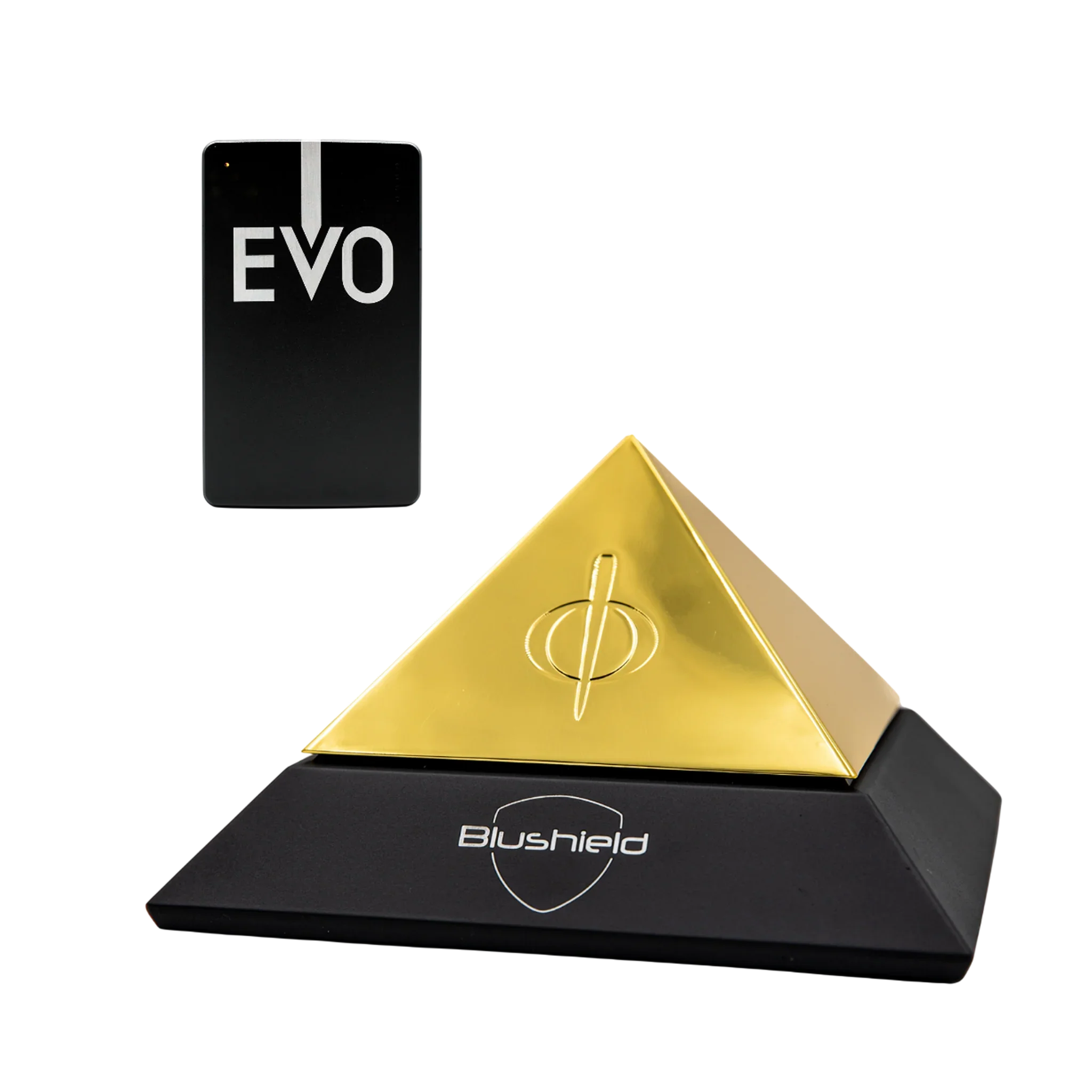
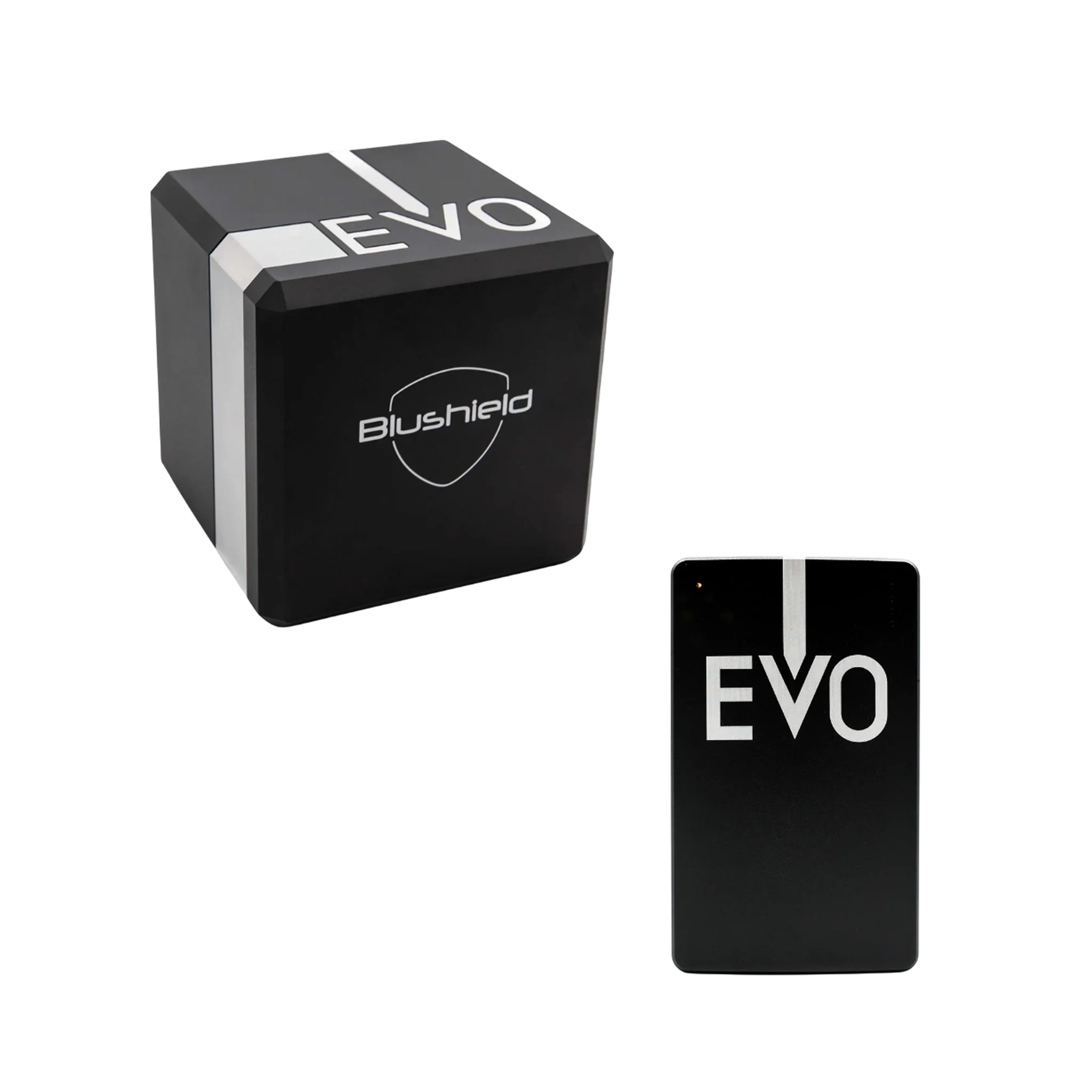
sleep quality, stress, focus, emf, emfs, emf protection, ehs, 5g, wifi, wireless, cell phone, cell tower, smart meter, smart meters, scalar, grounding, exposure, emf exposure, school, baby, frequency, protection, cell towers, strong enough, protective field, premium cube, ultimate cube, coverage area, recharge fully, sympathetic resonance, portable units, portable option, multiple waveform, ultimate series, portable unit, meters feet, protection strength, portable models, several continuous, fast charger, designed, areas, battery, stronger, portables, house, plastic, pyramid, antennas, smart, options, radius

low energy, stress, memory, immune system, inflammation, magnesium, minerals, calcium, calcium channel, cellular, emfs, emf protection, electromagnetic radiation, radiation, lte, blushield, exposure, emf exposure, symptoms, frequency, protection, marine plasma, long term, plasma minerals, harmful emfs, immune power, detox symptoms, systemic enzymes, liver detoxification, phase liver, schizandra, health, natural, healthy, effects, quality, bloodstream, levels, bodies, function, environment, process, toxins, state, supplements, brain, times, healing

stress, cancer, tumor, dna damage, ehs, radiofrequency, rf radiation, lte, exposure, sar, frequency, protection, clear evidence, ronald melnick, peer review, animal studies, reverberation chambers, heating effect, control groups, radiation exposure, government agencies, microwave news, results, rodents, health, humans, iitri, safety, levels, conclusions, environmental, cause, findings, agency, multiple, institute, requested, assess, damage, design, research

electromagnetic radiation, radiation, radiofrequency, rf radiation, non-ionizing, lte, wireless, base station, blushield, exposure, children, pregnancy, sar, specific absorption rate, frequency, safety limit, safety limits, radiofrequency radiation, popular cell, chicago tribune, radiation exposure, phone models, phone companies, tests, results, testing, distance, independent, apple, motorola, millimeters, current, pocket, users, government, approval, tissue, moulton, iphone, samsung, regulations, higher, federal

headache, focus, free radicals, autism, cancer, tumor, brain tumor, sperm, emf, electromagnetic fields, radiation, microwave radiation, non-ionizing, lte, wifi, wireless, cell phone, exposure, sar, specific absorption rate, frequency, bluetooth headsets, wireless headsets, radiation exposure, health, microwave, industry, proximity, brain, popular, listening, class, output, thermal, effect, chronic, pocket, urology

stress, focus, oxidative stress, cellular, behavior, emfs, electromagnetic fields, lte, wireless, high voltage, blushield, faraday, frequency, scalar fields, scalar component, living organisms, scalar carrier, physical frequency, carrier signal, waves, transverse, space, frequencies, effects, health, tesla, matter, electromagnetic, measurable, future, longitudinal, exist, produce, electrical, bodies, beneficial, studies, results, considered

depression, stress, headache, memory, memory loss, learning, heart rate, immune system, dna damage, nervous system, emfs, radiation, microwave radiation, wifi, wireless, cell phone, cell tower, smart meter, smart meters, bluetooth, tablet, power lines, blushield, exposure, emf exposure, symptoms, children, school, sar, frequency, high levels, barrie trower, oram miller, wireless baby, babies, options, audio, parents, sleep, sensitive, health, safety, breathing, dangers, damage, increasing, safer, reduce, modern, times, women, immune, systems, completely, higher

fatigue, chronic fatigue, anxiety, stress, attention, immune system, cancer, tumor, leukemia, electromagnetic fields, radiation, 5g, lte, cell phone, cell tower, blushield, exposure, emf exposure, symptoms, children, sar, frequency, endogenous retroviruses, reverse transcriptase, epstein-barr virus, cause, cancers, study, called, cells, results, dormant, britannica, pathogens, enzyme, frequencies, genome, exposed, environment, candida, science, class

immune system, cancer, cellular, neurological, emf, emf protection, electromagnetic radiation, radiation, 4g, lte, wifi, wireless, cell phone, mobile phone, base station, smart meter, smart meters, power lines, blushield, children, frequency, protection, frequency radiation, international appeal, radio frequency, protect ourselves, biologically harmonious, earth, health, frequencies, currently, space, effects, brussels, environmental, against, governments, levels, lower, natural, safety, based, increase, world, humans, studies, already, satellites, atmosphere, ionosphere
cellular, emf, radiation, 4g, wireless, blushield, frequency, protection, weather forecasts, wyden senate, concerns, spectrum, auction, cantwell, meteorologists, government, agencies, result, satellites, safety, roughly, jacobs, chairman, technica, arstechnica

cancer, electromagnetic radiation, smartphone, blushield, exposure, children, school, sar, protection, devra davis, visiting professor, safety standards, university, health, medicine, world, environmental, medical, legislation, expert, institute, american

fatigue, tiredness, insomnia, anxiety, depression, mood, irritability, memory, concentration, focus, heart palpitations, heart rate, immune system, hormone, hormones, cancer, fertility, nervous system, emfs, electromagnetic radiation, radiation, radiofrequency, microwave radiation, non-ionizing, 5g, lte, wireless, cell phone, mobile phone, base station, blushield, exposure, symptoms, school, frequency, health effects, protection, cell phones, thyroid disease, accessed national, phone radiation, national center, biotechnology information, thyroid dysfunction, study, research, brain, health, control, condition, tissue, thyroids, users, mobile

cellular, nervous system, emfs, emf protection, 5g, wifi, cell phone, laptop, scalar, scalar energy, blushield, shielding, faraday, school, protection, scalar fields, scalar field, protect yourself, blocking, harmful, community

insomnia, headache, memory, dizziness, tumor, brain tumor, cellular, emf, emf protection, electromagnetic radiation, radiation, non-ionizing, wifi, cell phone, mobile phone, cell tower, smart meter, smart meters, tablet, blushield, exposure, symptoms, children, school, baby, protection, safety code, frank clegg, wireless radiation, harmful

cancer, tumor, brain tumor, cellular, emf, electromagnetic radiation, radiation, 4g, lte, wireless, cell tower, blushield, exposure, frequency, health effects, kevin mottus, wireless radiation, biological, trees, towers, safety, industry, regarding, calls, companies, suggests, waves

fatigue, chronic fatigue, headache, brain fog, memory, memory loss, focus, cellular, emfs, emf protection, electromagnetic fields, ehs, wifi, cell phone, smart meter, smart meters, tablet, blushield, symptoms, building biology, sar, protection, building biologist, oram miller, electrically hypersensitive, fields, improvement, hypersensitivity, degree, chemical, environmental, california, notice, sensitivities, clients, electromagnetic, profession, eliminate, website, factors

fatigue, tiredness, stress, headache, cancer, sperm, cellular, emf, electromagnetic fields, electromagnetic radiation, radiation, radiofrequency, microwave radiation, lte, wireless, cell phone, mobile phone, cell tower, blushield, exposure, symptoms, children, frequency, health effects, protection, epidemiological studies, research, microwaves, barrie, illnesses, effects, study, health, electromagnetic, damage, cells, impairments, published, fields, wi-fi, percent, brain, phone
cancer, dna damage, emf, electromagnetic fields, electromagnetic radiation, radiation, 4g, wifi, wireless, cell phone, cell tower, smart meter, smart meters, dirty electricity, blushield, exposure, emf exposure, children, bedroom, frequency, wireless radiation, sharon goldberg, five minutes, epidemics, fields, medicine, literature, clearly, disease, medicare, senate, pubmed, evidence, chronic, electromagnetic, cells, science
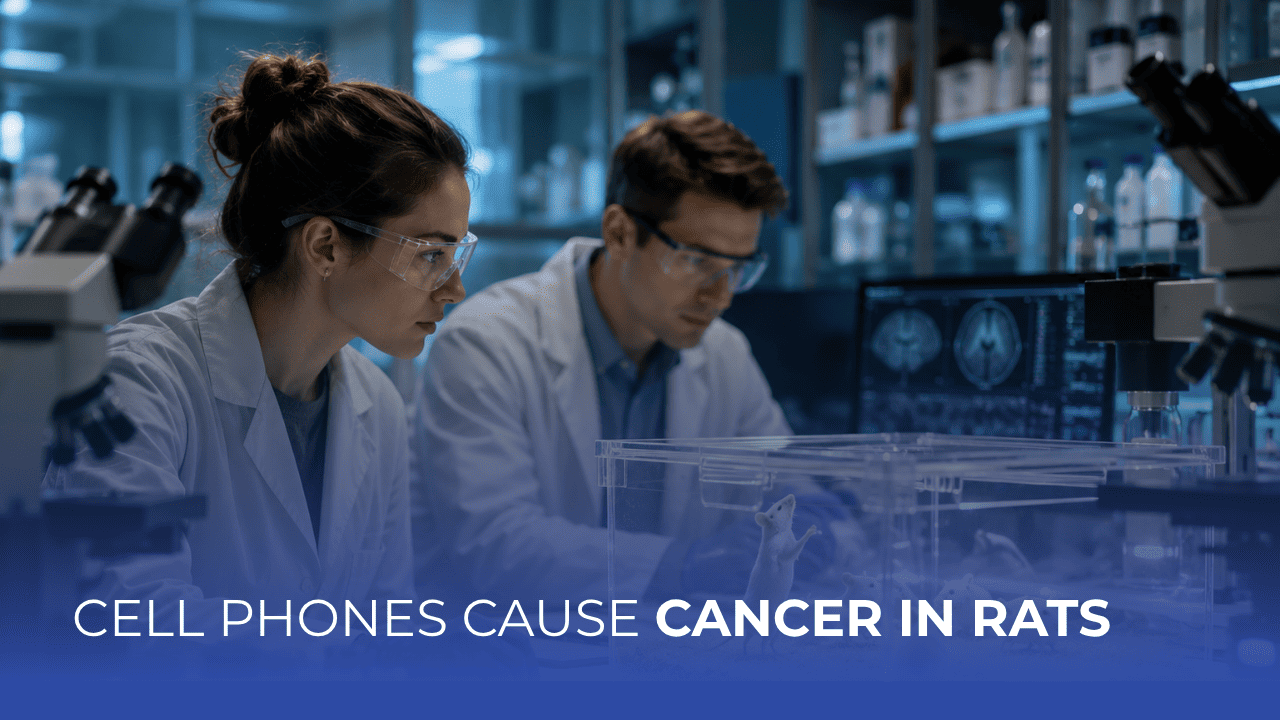
calcium, tumor, brain tumor, dna damage, cellular, emf, emfs, radiation, 5g, blushield, exposure, frequency, health effects, male rats, clear evidence, tumors, malignant, research, health, effects

exhaustion, headache, memory, memory loss, concentration, focus, learning, dizziness, nausea, sperm, cellular, emf, emfs, emf sensitivity, electromagnetic fields, microwave radiation, non-ionizing, wifi, mobile phone, bluetooth, blushield, exposure, emf exposure, symptoms, frequency, protection, cell phones, phone radiation, electromagnetic, airtube

anxiety, concentration, free radicals, hormone, hormones, magnesium, calcium, calcium channel, autism, cancer, tumor, fertility, cellular, electromagnetic fields, radiation, microwave radiation, lte, wifi, wireless, cell phone, bluetooth, tablet, dirty electricity, power lines, blushield, faraday, grounding, exposure, emf exposure, baby, intracellular calcium, research, microwave, damage, activated, mitigate, increased, vgccs, power
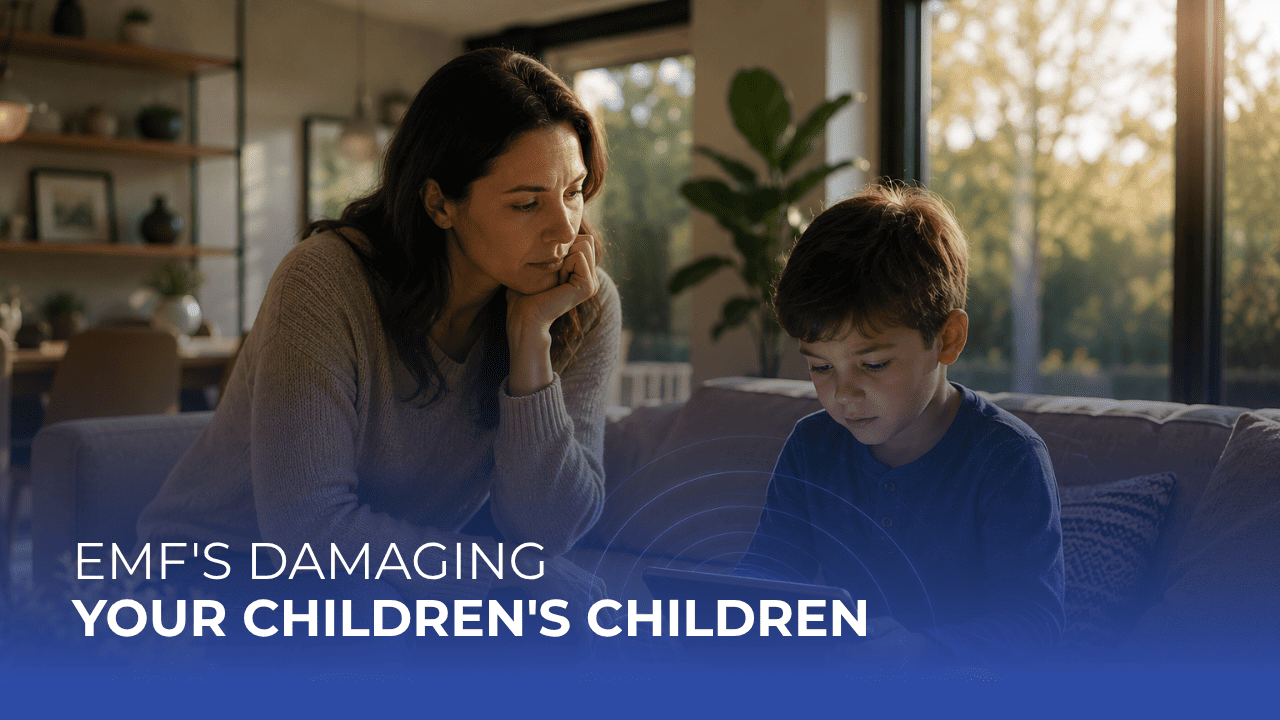
fertility, sperm, cellular, radiation, wifi, wireless, cell phone, blushield, school, baby, protection, barrie trower, wireless technologies, affect, fetus, damage, schools, young, already

depression, irritability, headache, memory, learning, dizziness, immune system, hormone, melatonin, cancer, tumor, brain tumor, sperm, neurological, emf, emfs, electromagnetic radiation, radiation, wifi, wireless, cell phone, mobile phone, cell tower, tablet, dirty electricity, blushield, exposure, emf exposure, symptoms, bedroom, frequency, protection, cell towers, reduce radiation, cell phones, protection against, towers safe, electric, study, power, lights, questions, computer, electricity, dangerous, workspace, living, cords, electrical, states, mobile, isfahan, answer

immune system, immune response, inflammation, cellular, emf, emf protection, electromagnetic radiation, radiation, wifi, cell tower, smart meter, smart meters, scalar, protection, body stops, somatic cell, power, immune, units, plugin, portable, portables, level, house, environment, frequencies, nature, outside, pulse, waves, response

stress, focus, immune system, magnesium, minerals, calcium, cellular, emf, emf protection, electromagnetic fields, radiation, blushield, protection, health, effects, aspects, together, immune, quality, detox, mineralization, plasma

leukemia, emf, wifi, cell phone, high voltage, blushield, faraday, exposure, emf exposure, children, kids, frequency, magnetic fields, high-voltage power, childhood leukemia, childhood leukaemia, case-control study, near high-voltage, overhead power, amyotrophic lateral, lateral sclerosis, evidence, cancers, living, studies, research, disease, looking, limited, titled, looked, california, distance, increased, transmission, epidemiological, further, adult, brain
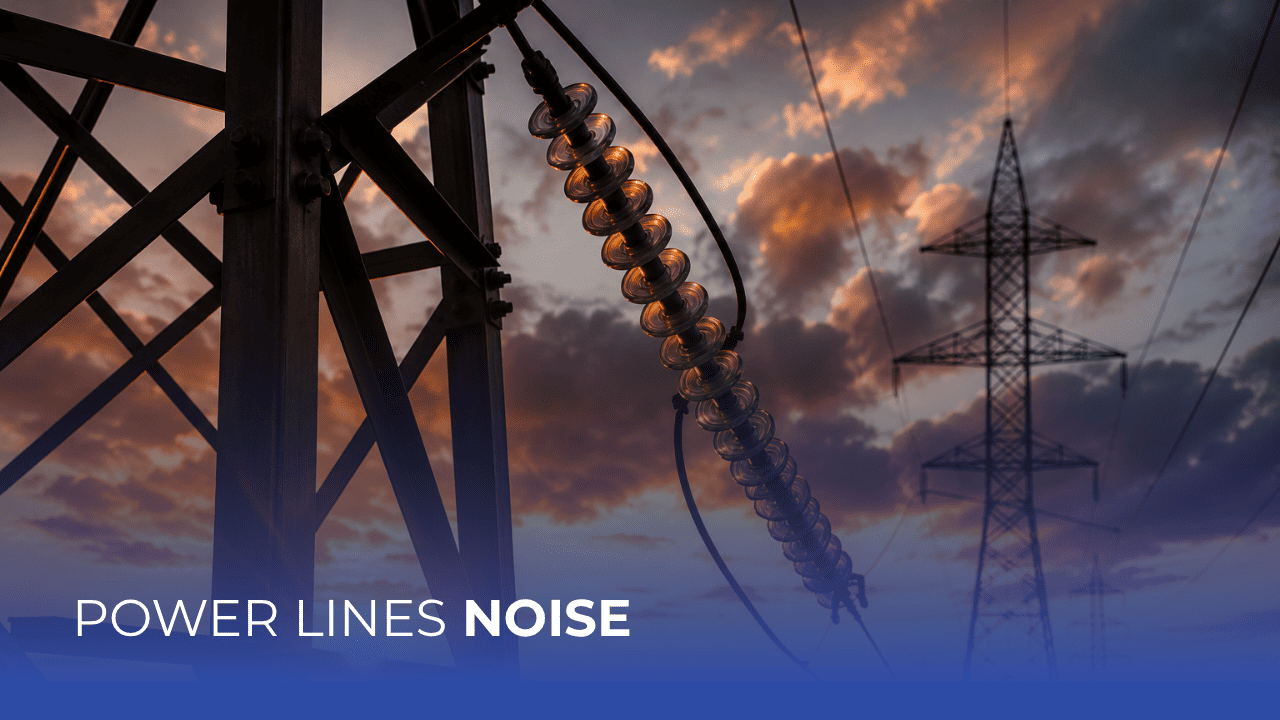
emf, high voltage, blushield, likely, discharge, added, voltage, noisy, happen
.png)
immune response, cancer, emf, electromagnetic radiation, wireless, cell tower, bluetooth, scalar, blushield, shielding, exposure, emf exposure, baby, health effects, julie watts, michael newark, real world, blocking, increase, differently, cells, claims, cover, reduce

fatigue, chronic fatigue, headache, brain fog, memory, memory loss, inflammation, calcium, calcium channel, cancer, leukemia, fertility, behavior, emf, emfs, radiation, rf radiation, wifi, wireless, cell phone, cell tower, smart meter, smart meters, high voltage, blushield, exposure, emf exposure, symptoms, children, school, bedroom, sar, frequency, health effects, voltage power, magnetic fields, health, close, review, source, cause, distance, exposed, research, risks, environmental, childhood, evidence, factor, public, general

inflammation, emf, emf protection, electromagnetic fields, radiation, wifi, scalar, exposure, emf exposure, protection, tesla gold, gold series, natural, frequencies, health

.jpg)

nervous system, emfs, electromagnetic fields, radiation, non-ionizing, lte, wifi, wireless, cell phone, mobile phone, smartphone, cell tower, bluetooth, laptop, tablet, power lines, blushield, exposure, emf exposure, protection, cell phones, electromagnetic energy, reduce, distance, household, impact, government, appliances
cancer, cellular, emf, emfs, emf sensitivity, electromagnetic fields, radiation, non-ionizing, 5g, wifi, wireless, cell phone, base station, blushield, exposure, emf exposure, symptoms, school, frequency, protection, cellular towers, living, radio, reduce, stations, phones, antennas, working, definitely, tesla, series, covers
cancer, tumor, cellular, emf, emfs, electromagnetic fields, ehs, radiofrequency, non-ionizing, lte, wireless, cell tower, exposure, emf exposure, frequency, health effects, protection, radio frequency, tesla gold, gold series, research, findings, million, phones, program, portable, impact, rather, health, reports, questions, testing, small, reduce, retrieved
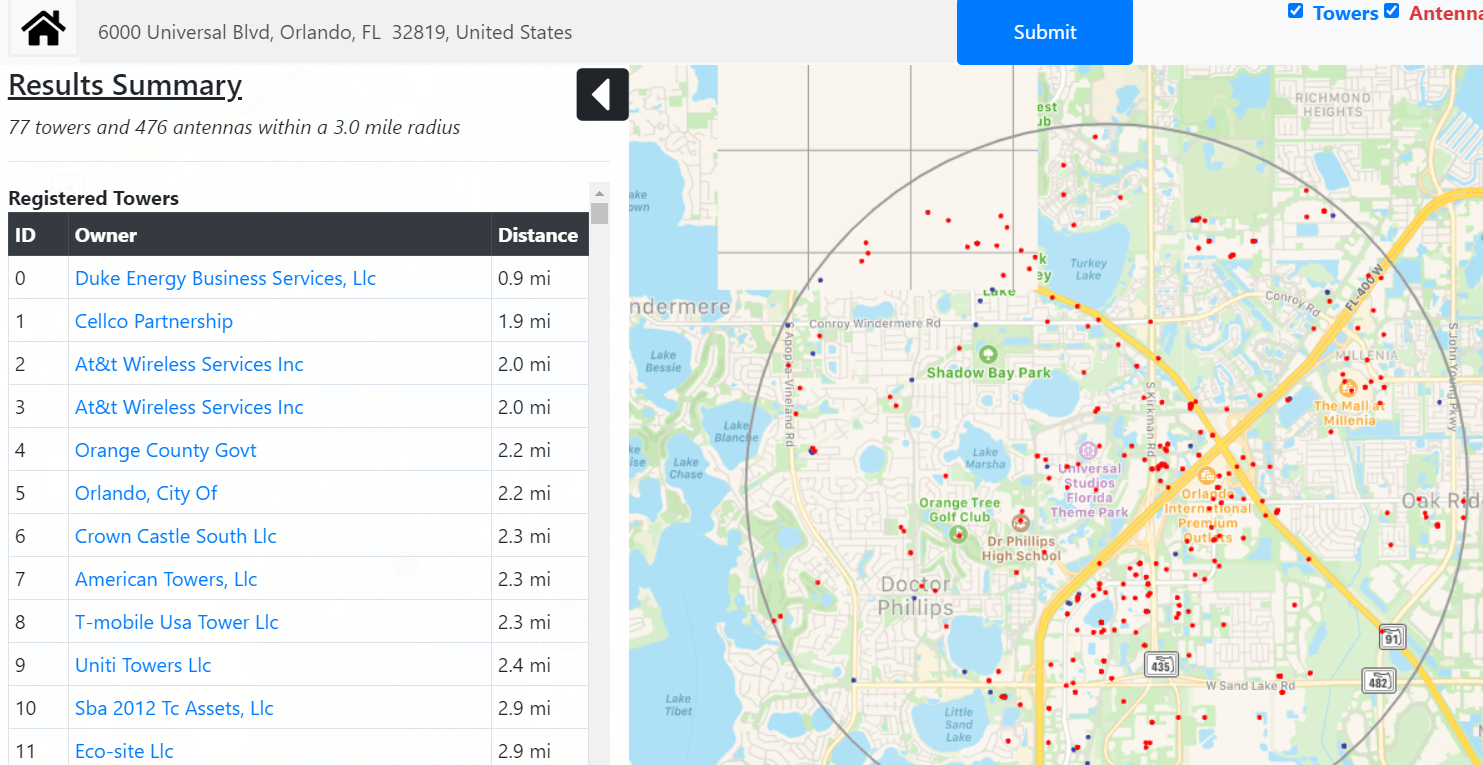
insomnia, memory, memory loss, heart palpitations, cancer, sperm, cellular, emf, emfs, emf protection, electromagnetic radiation, radiation, microwave radiation, 5g, lte, wireless, cell phone, mobile phone, base station, blushield, children, sar, frequency, health effects, protection, phone towers, phone tower, united states, information, opencellid, wikipedia, opensignal, website, according, websites, public, antenna, locations, database, application
.svg)
Item added to cart!
-cropped%20(1).svg)
.svg)
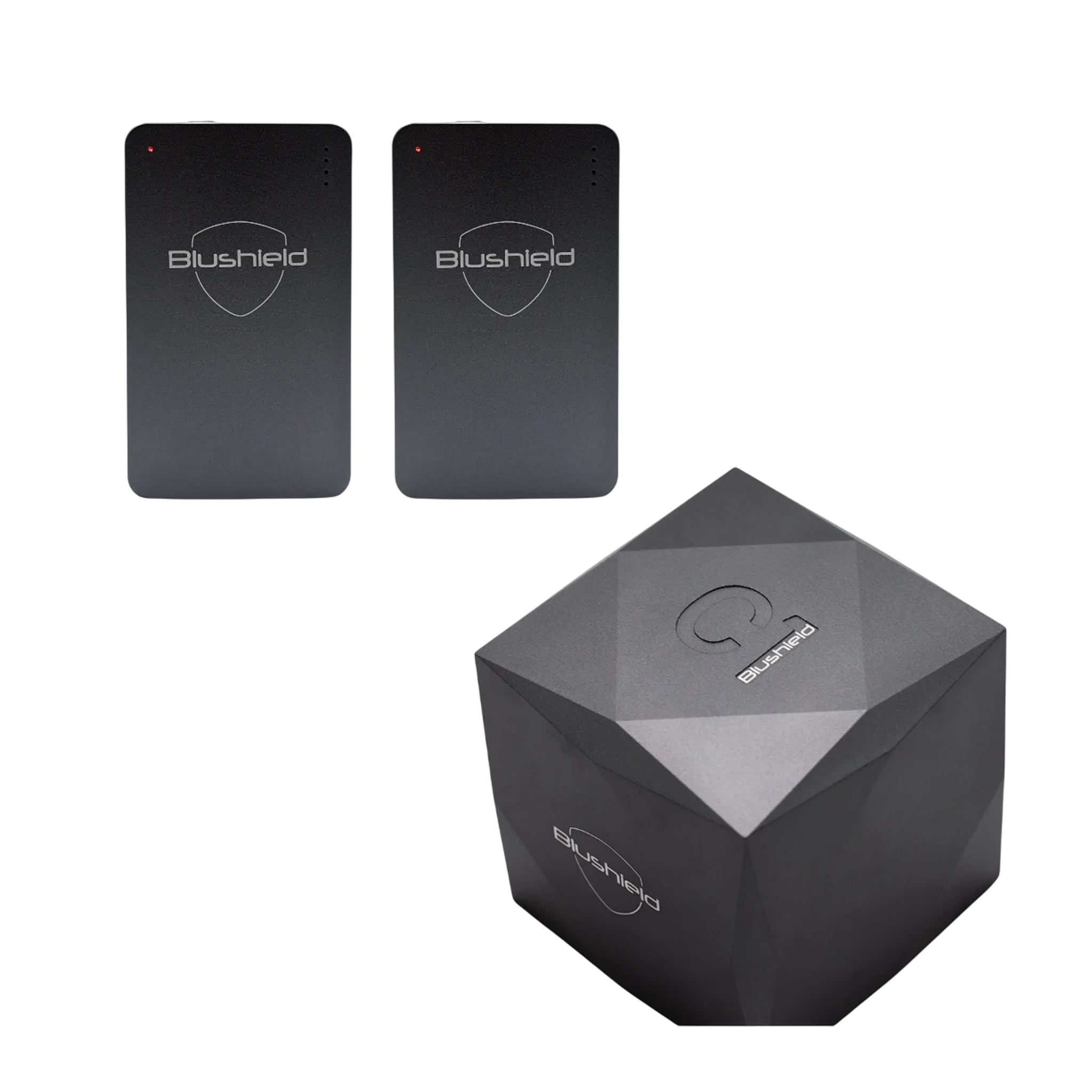
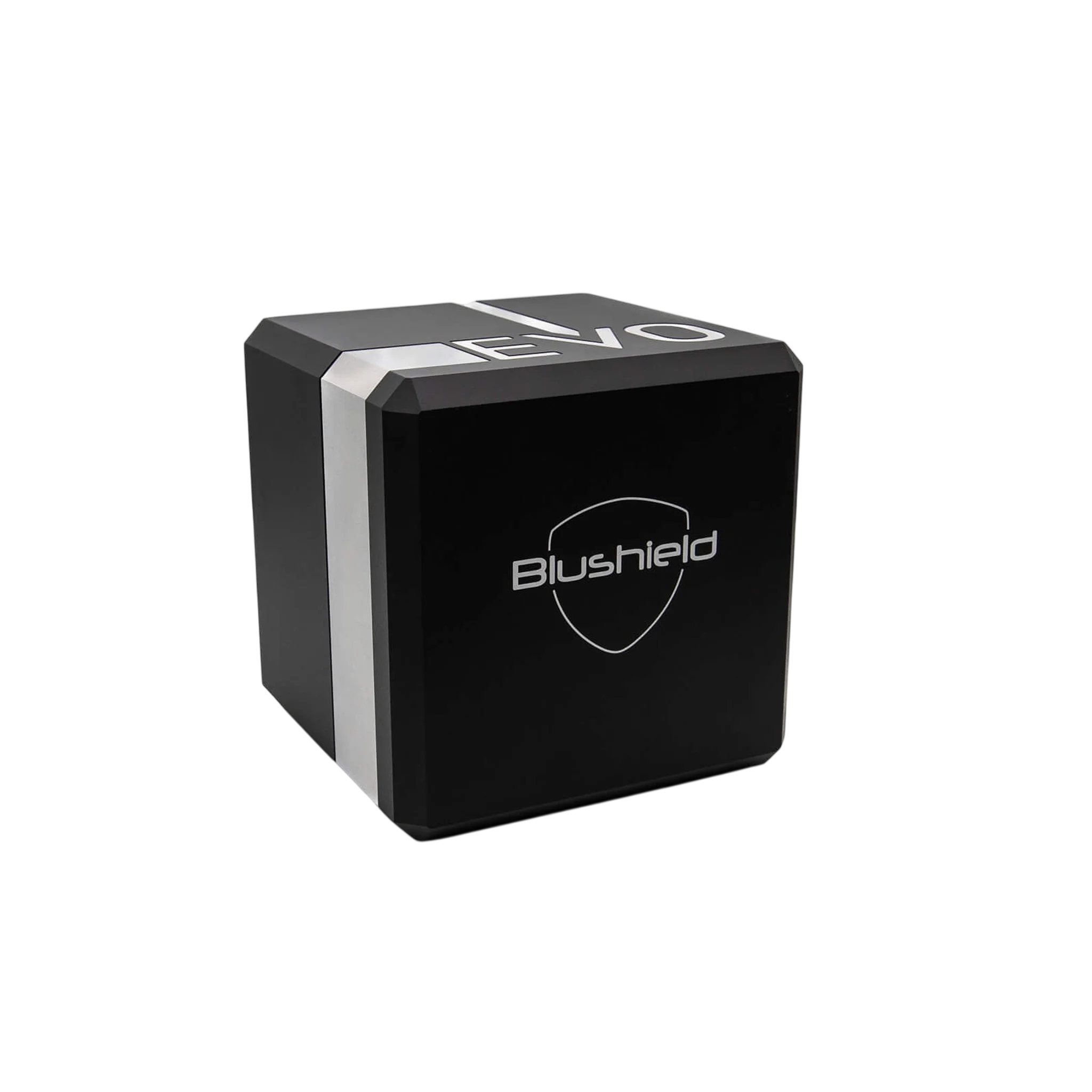
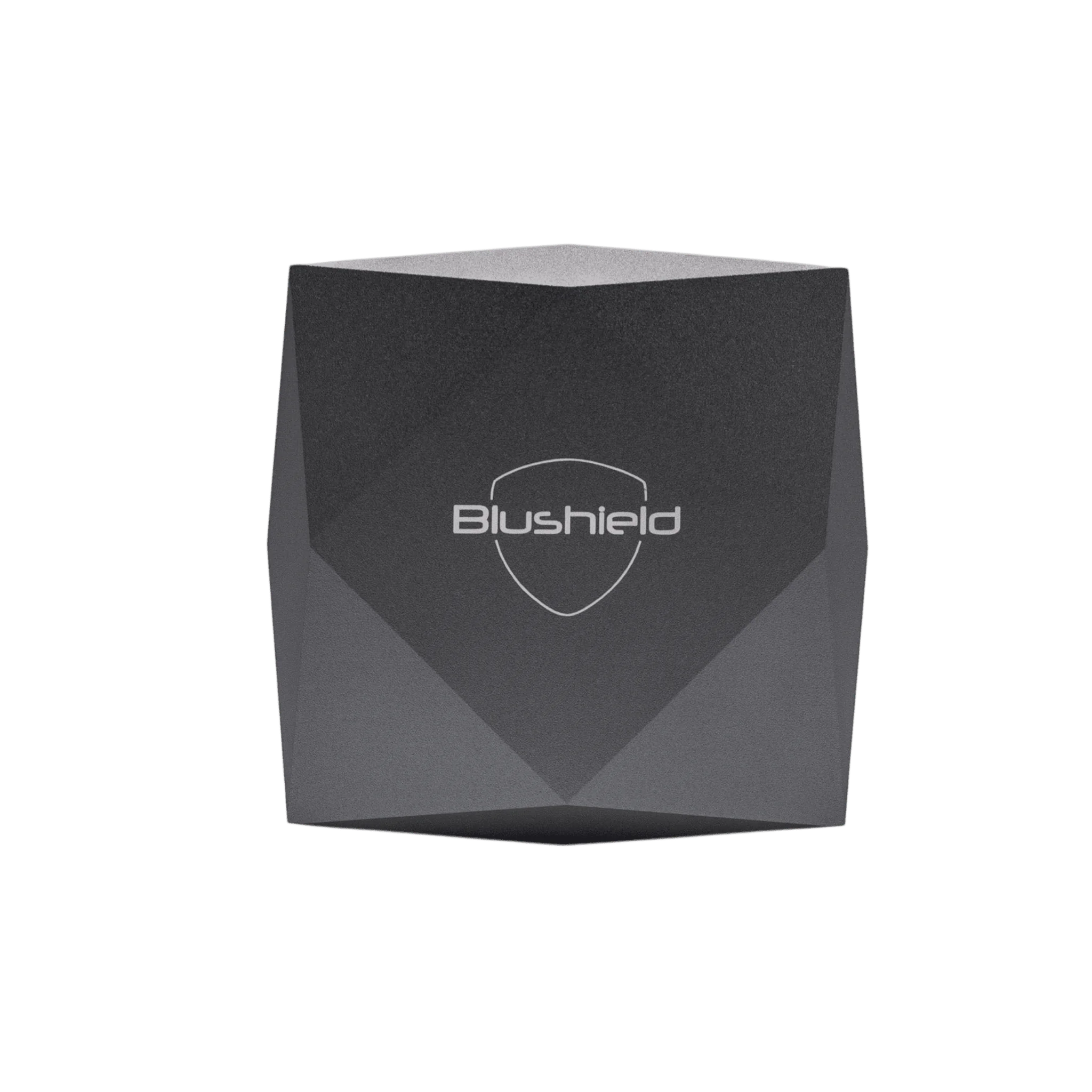
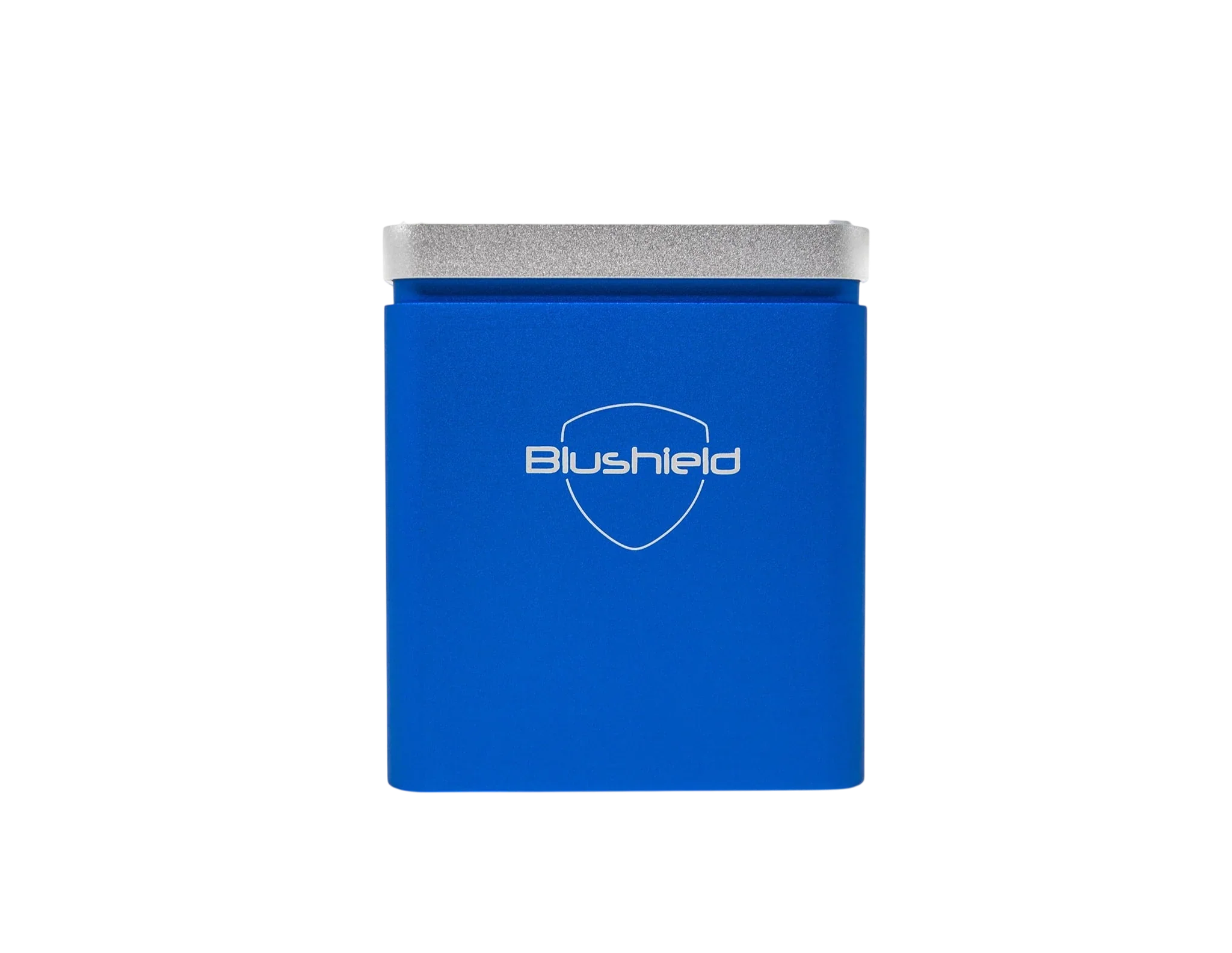
Ultimate Series C1 (5G Protection)
Quick Start Guide
Initial Usage Information
Some people report that within the initial first few days after installing the C1, they feel low in energy or tired. This is a harmless transient condition and will pass. This is the body adapting to a new environment. Persist with this until it passes. Older persons who have poor health may take longer to adapt, this is a normal process as the body adapts to a new environment.
EMF Information
The C1 does not remove EMF nor does it modify EMF. Using an EMF meter will not indicate any change in the environment. After you install the C1 the numbers on any EMF meter will not alter, as their sole purpose is to measure electro-magnetic fields.
- C1 DOES NOT interfere with wireless devices
- C1 DOES NOT block any mobile phone or Wi-Fi signals
- C1 DOES NOT interfere with pacemaker use
- C1 DOES NOT cause electronic devices to stop working
Warranty Information
The C1 is strictly for interior use only. It carries a warranty for a period of one year. This covers factory defects or faults. The warranty does not cover misuse, modifications, use or water damage or tampering of the case. The warranty does not cover wear and tear on the power plug cord. If a fault is made all postage costs are to be covered by the customer. A Blushield distributor will decide whether to repair or replace the product depending upon the fault.
CAUTION
- Danger Electric shock possible.
- For interior use only.
- Do Not use in damp or humid areas.
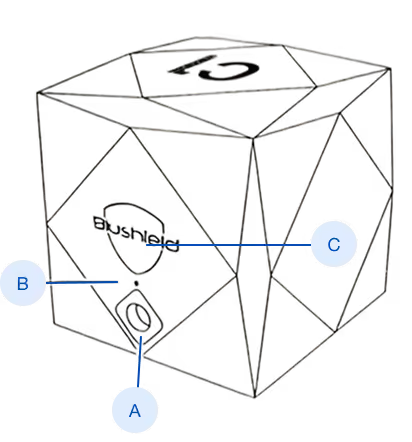
Installation Instructions
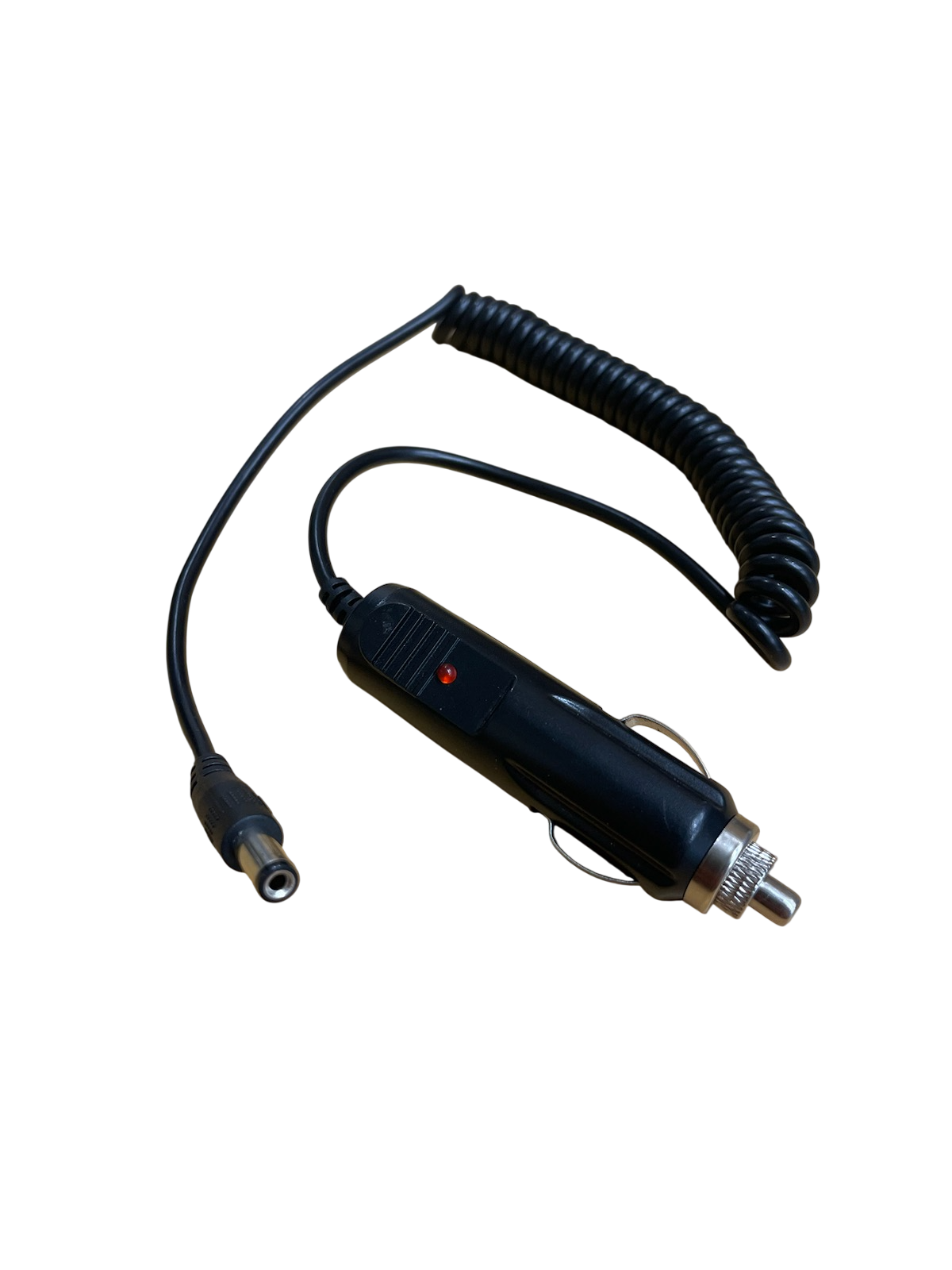
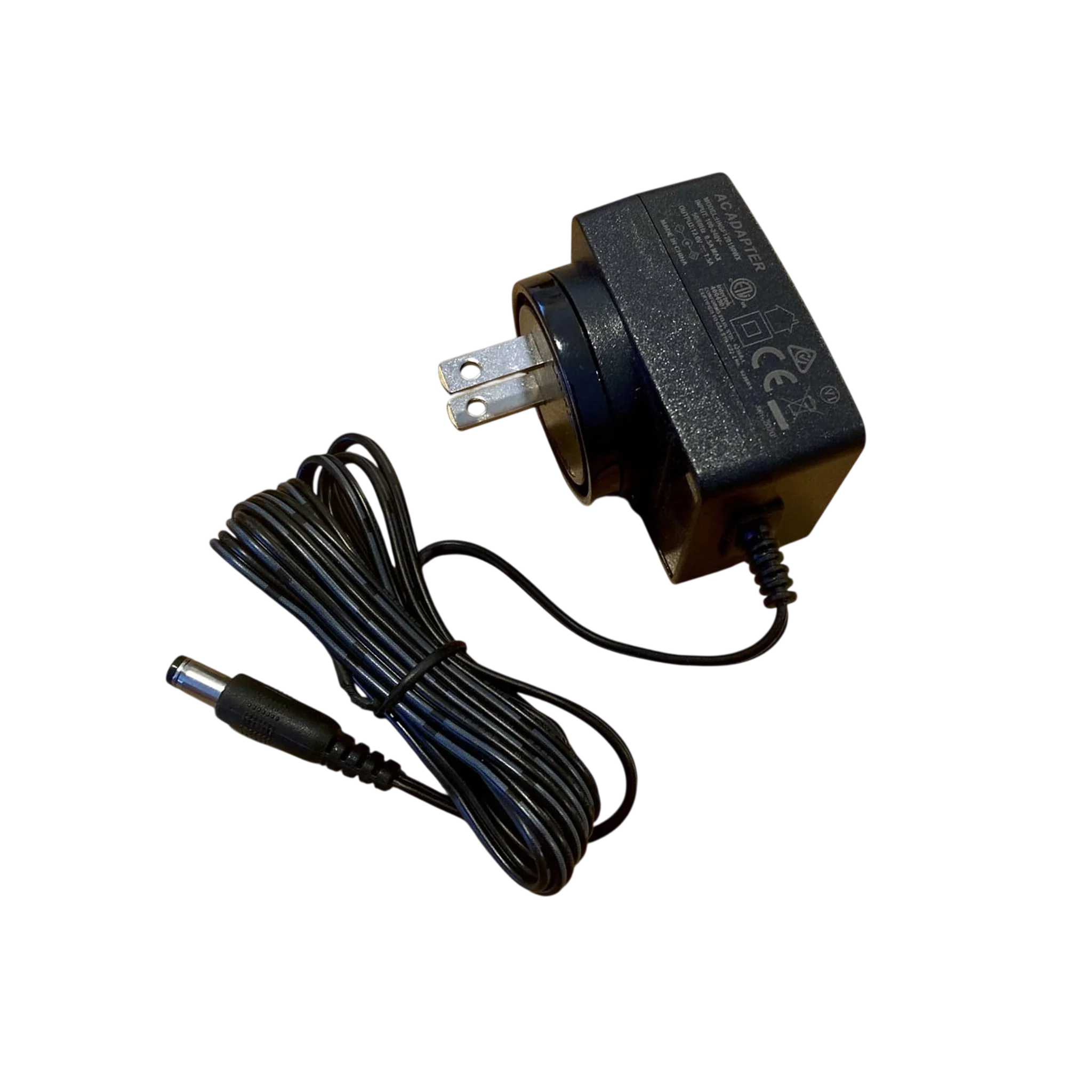
Using the included power supply, select a suitable place to plug in the C1. Preferably plug the C1 in a central area within your home or office. Only use the included power supply as other third party power supplies may be the wrong voltage or polarity, potentially damaging the C1 beyond repair. Using incorrect power supplies will void the warranty.
Important Safety Instructions
- DO NOT place the Cube in damp areas or bathrooms as there may be a risk of electric shock
- DO NOT use force to insert the power plug into the socket
- DO NOT attempt to modify or open the case, this will void warranty and you may risk electric shock
- DO NOT attempt to modify or open the case, this will void warranty and you may risk electric shock
- DO NOT place the C1 on an unstable surface
Compatibility
- AIRPLANE SAFE
- Wi-Fi SAFE
- MOBILE SAFE
- 5G SAFE
Child and Pet Safety
Place out of reach of young children, keep the power cord tucked away to avoid children pulling on it or household pets from chewing on the wire. There is a risk of electric shock if the cord is broken.
Power Connection
Once the power plug is inserted you will observe the LED indicator light flash blue.
If you fail to see a small blue light at the hole make sure the power supply is turned on at the wall, and check that the power plug is firmly in the socket. Do not force the plug.