






















.png)





























.png)


.jpg)
.svg)
Item added to cart!
-cropped%20(1).svg)
.svg)
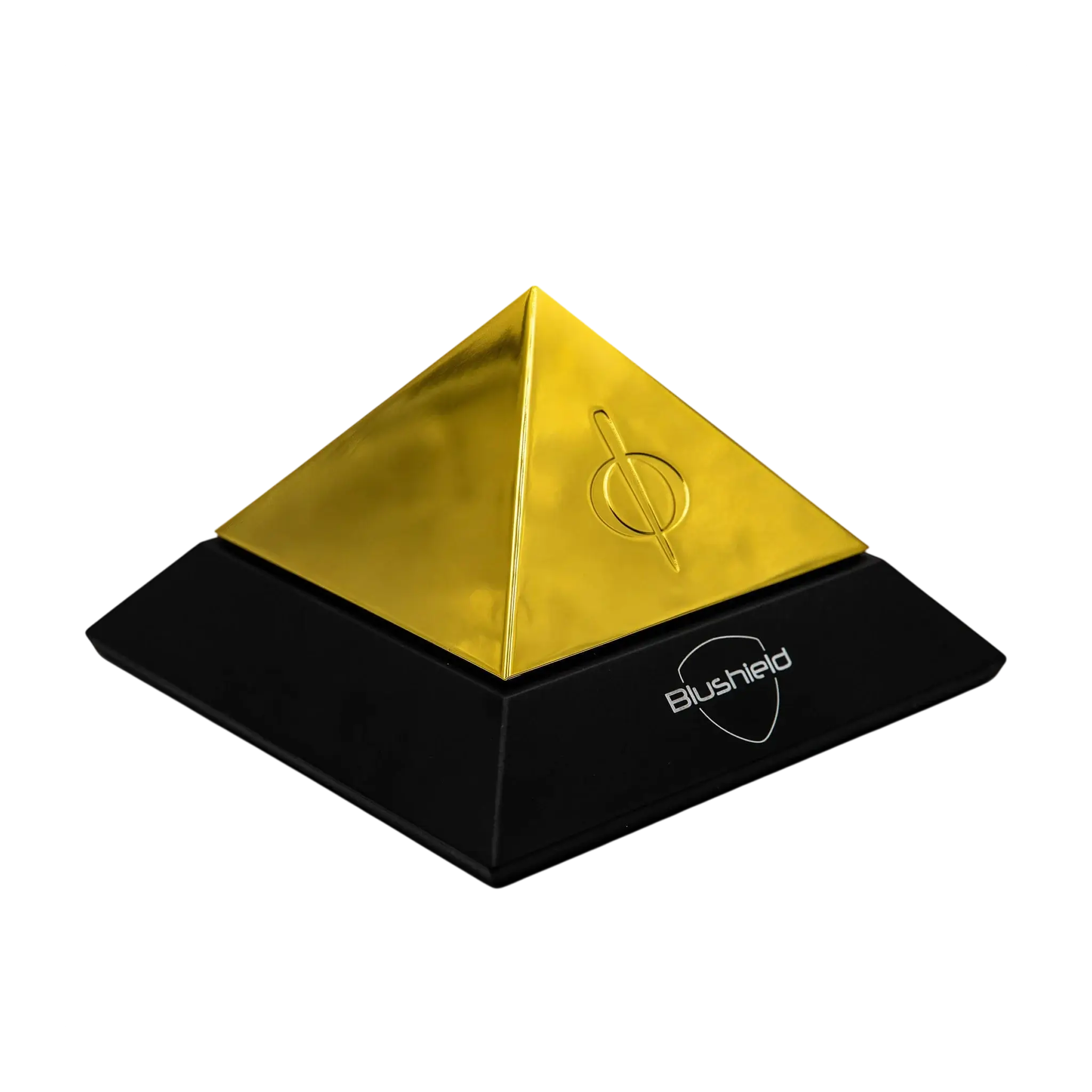
Phi Series Φ3 (5G Protection)
Quick Start Guide
Initial Usage Information
Some people report that within the initial few days after installing the Phi 3, they feel low in energy or tired. This is a harmless transient condition and will pass. This is the body adapting to a new environment. Persist with this until it passes. Older persons who have poor health may take longer to adapt, this is a normal process as the body adapts to a new environment.
EMF Information
The Phi 3 does not remove EMF nor does it modify EMF. Using an EMF meter will not indicate any change in the environment. After you install the Phi 3 the numbers on any EMF meter will not alter, as their sole purpose is to measure electro-magnetic fields.
- Phi 3 DOES NOT interfere with wireless devices
- Phi 3 DOES NOT block any mobile phone or Wi-Fi signals
- Phi 3 DOES NOT interfere with pacemaker use
- Phi 3 DOES NOT cause electronic devices to stop working
Warranty Information
The Phi 3 is strictly for interior use only. It carries a warranty for a period of one year. This covers factory defects or faults. The warranty does not cover misuse, modification, neglect, water damage or opening of the case. The warranty does not cover wear and tear of any component. If a claim is made all postage costs are to be covered by the customer. A Blushield technician will decide whether to repair or replace the product depending upon the fault.
CAUTION
- Danger Electric shock possible.
- For interior use only.
- Do Not use in damp or humid areas.

Installation Instructions
Using the included power supply, select a suitable place to plug in the Phi 3. Preferably plug the Phi 3 in a central area within your home or office. Only use the included power supply as other third party power supplies may be the wrong voltage or polarity, potentially damaging the Phi 3 beyond repair. Using incorrect power supplies will void the warranty.
Important Safety Instructions
- DO NOT place the Phi 3 in damp areas or bathrooms as there may be a risk of electric shock
- DO NOT use force to insert the power plug into the socket
- DO NOT attempt to modify or open the case, this will void warranty and you may risk electric shock
- DO NOT try to charge the unit as it does not contain any battery
- DO NOT place the Phi 3 on an unstable surface
Compatibility
- AUTOMOBILE SAFE
- WI-FI SAFE
- MOBILE SAFE
- 5G SAFE
Child and Pet Safety
Keep out of reach of young children, keep the power cord tucked away to avoid tripping over it, and keep animals or pets from chewing on the wire. There is a risk of electric shock if the cord is broken.
Power Connection
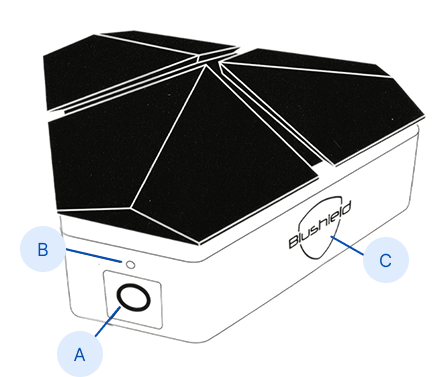
Once the power plug is inserted you will observe the LED indicator light up white. If you fail to see a small white light at the hole make sure the power supply is turned on at the wall, and check that the power plug is firmly in the socket. Do not force the plug.